Pixel Neon Text Effect: A Versatile Tool for Standout Visual Communication
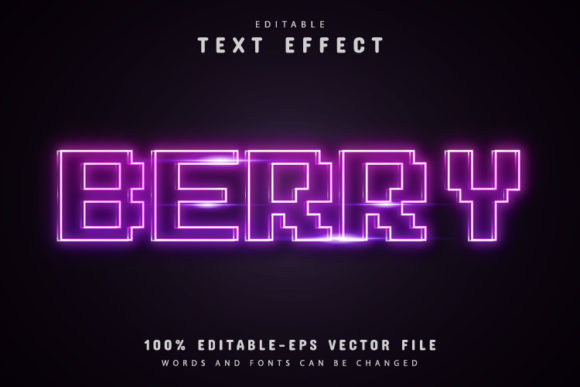
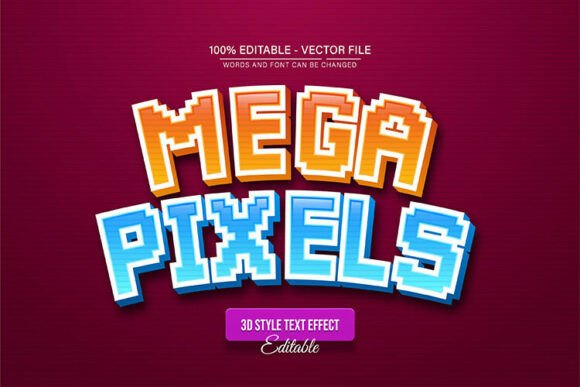
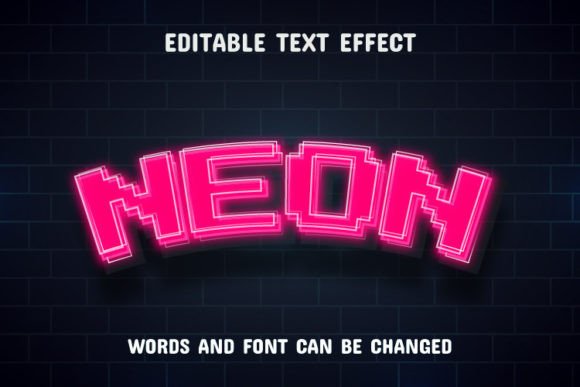
You have probably scrolled past a dozen neon-style headlines today without even noticing. That electric glow, the retro-futuristic hum of a sign that feels both nostalgic and forward-looking—it grabs attention in a crowded feed, on a storefront mockup, or inside a presentation deck. The Pixel Neon Text Effect is a ready-made styling solution that lets you apply that exact look to any word or phrase you choose. Instead of spending hours building gradients, glows, and pixel-perfect outlines from scratch, you simply type your text and the effect wraps around it. The result is a clean, vibrant neon sign that looks like it belongs on a city street at midnight or inside a digital game interface.
What Makes This Effect Different from a Generic Filter
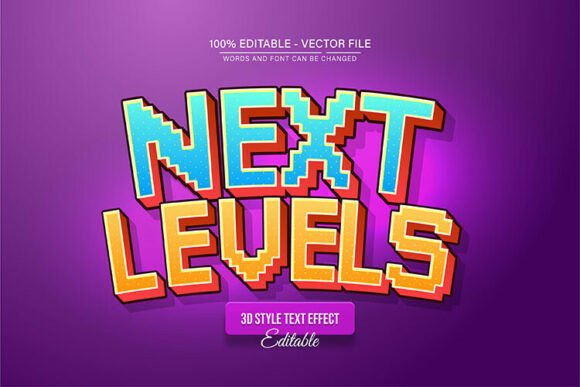
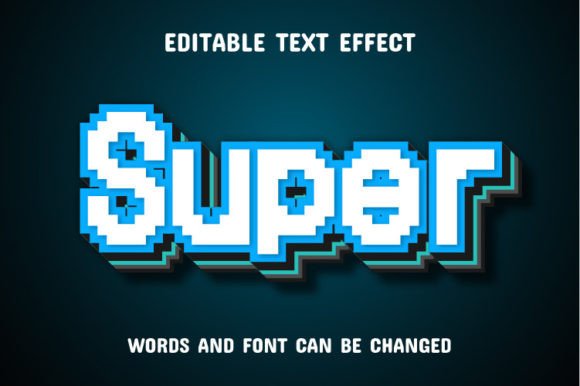
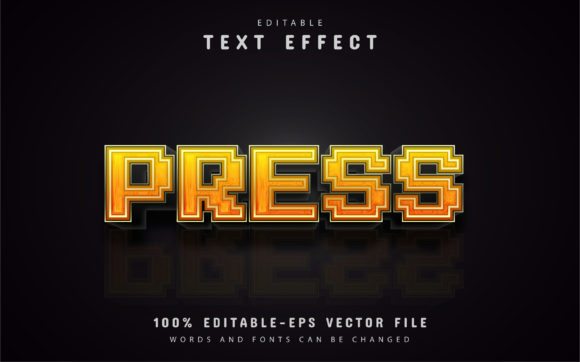
Many text effects come as one-size-fits-all layer styles that break the moment you change the font or the word length. The Pixel Neon Text Effect is built differently. It comes as an EPS file that works inside Adobe Illustrator CC or higher, which means each letter, each curve, and each glow remains fully editable. You are not stuck with a rasterized image that falls apart when you resize it. You are not locked into a single font or color. You can swap out the text, adjust the neon color to match your brand palette, and even fine-tune the intensity of the glow. The JPG preview files give you a quick look at what the effect can do, but the real power lives in the vector file where you have total control.
Social Media Creators and Content Marketers
If you run an Instagram account, a YouTube channel, or a TikTok presence, you know that the first two seconds decide whether someone stops scrolling or keeps going. A static white headline blends into the background. A neon headline, on the other hand, suggests energy, nightlife, urgency, or celebration. You might use it for a giveaway announcement, a new product teaser, or a quote that you want to feel bold and unapologetic. Because the effect is vector-based, you can export it at any resolution without losing sharpness. That means the same file works for a mobile story, a desktop thumbnail, and a printed poster without you having to rebuild anything.
Small Business Owners and Local Entrepreneurs
Imagine you own a coffee shop, a boutique clothing store, or a pop-up event space. Your signage needs to communicate personality before anyone reads the actual words. A neon-style header on your website or your menu board immediately signals a certain vibe—urban, creative, slightly retro. You do not need to hire a designer or learn complex software. You open the EPS file, type your shop name or a promotional phrase, adjust the color to match your brand, and export it. The effect does the heavy lifting. For seasonal promotions, you can change the text in under a minute. No need to start from scratch every time the season changes.
Freelancers and Designers Delivering Client Work
When a client asks for something that pops, you need a reliable tool that does not eat into your billable hours. The Pixel Neon Text Effect works as a shortcut that still looks custom. You can present three variations of a logo or a headline using different neon colors, show the client the JPG previews for quick approval, and then deliver the final EPS file that they can open and edit themselves if they ever need updates. That kind of flexibility builds trust. It also saves you from the back-and-forth that happens when a client wants a small tweak but the original file is too rigid to modify easily.
Event Flyers and Promotional Materials
Think about a concert poster, a happy-hour special, a launch party, or a networking event. These are time-sensitive materials where speed matters. You do not have a week to perfect a custom neon illustration. You have an afternoon. With this effect, you draft the headline, pick a neon pink or electric blue, and drop it onto a dark background. The contrast does the work. The glow pulls the eye straight to the most important information. You can pair it with simpler fonts for body text so the headline remains the hero.
Digital Products and Online Courses
Educators and course creators often struggle to make their materials feel polished without spending money on professional design tools. A neon text effect applied to a module title or a key takeaway inside a slide deck can break up the monotony of bullet points. It signals to the learner that this section is important or exciting. For course thumbnails on platforms like Udemy or Skillshare, a neon headline can increase click-through rates because it stands out against the standard white-and-blue thumbnails that dominate search results.
Personal Branding and Side Projects
Maybe you are building a portfolio website, a blog about nightlife photography, or a gaming channel. Your personal brand should reflect your taste. The Pixel Neon Text Effect lets you create a consistent visual signature across your banner, your logo, and your social media highlights. Because you control the color, you can match it to your existing aesthetic. If your brand is all about warm pinks and purples, you set the neon to those tones. If you prefer a cyberpunk green, that works too. The effect does not dictate your style—it amplifies it.
What to Consider Before You Download or Buy
Not every text effect fits every workflow. Before you commit to the Pixel Neon Text Effect, think about the software you already use. This effect is built for Adobe Illustrator CC or higher. If you work primarily in Photoshop, Canva, or Affinity, you will need to check whether you can import and edit EPS files reliably. Some online editors strip out vector data, so you may lose editability. If you are comfortable with Illustrator, the process is straightforward: open the file, select the text layer, type your own words, and save. The JPG previews are helpful for planning, but they are not the working files.
Another consideration is font compatibility. The effect is designed to work with the default or included font, but you can often substitute your own typeface if you keep the stroke and fill settings intact. Test with a simple word first to see how the glow reacts to different letter shapes. Thin or ornate fonts may not carry the neon look as well as a bold, blocky typeface. The pixel aspect of the name suggests a slightly chunky, retro digital feel, so choose a font that leans into that aesthetic for the best result.
How Different Users Benefit in Practical Terms
- Bloggers and publishers can create custom featured images for posts about nightlife, technology, or creative topics without needing a designer on retainer. The neon effect adds a visual hook that complements bold headlines.
- Hobbyists and DIY creators working on invites, party decorations, or personal gifts can produce professional-looking text that feels handmade but looks crisp. Print it on cardstock or use it digitally—the vector format keeps it clean either way.
- Marketing teams who need consistent branded materials across multiple platforms can standardize the neon color to match brand guidelines and reuse the same effect file for campaign after campaign. Only the text changes.
- Freelancers juggling multiple clients can offer neon-style headers as an add-on service without investing hours in custom illustration. It becomes a reliable asset in their toolkit.
Working with the Files: EPS and JPG Preview
The package includes EPS files that hold all the vector data, plus JPG previews so you can quickly see what the effect looks like without opening Illustrator. The JPG files are useful for sending to clients who want a visual confirmation before you send the editable version. They are also handy for quickly dropping into a mood board or a presentation draft. But the real work happens in the EPS. Open it, and you will see organized layers for the base text, the glow, the inner highlight, and any decorative elements. You can turn layers on and off, change colors, and adjust transparency. This structure is what makes the effect 100% editable. You are not locked into a single look.
Why This Approach Saves Time Without Sacrificing Quality
Building a neon text effect from scratch in Illustrator requires a solid understanding of gradients, blending modes, opacity masks, and sometimes even 3D extrusion. It is doable, but it takes trial and error. For someone who does not use Illustrator every day, that process is frustrating and slow. A pre-built effect like this one removes the guesswork. You get a result that looks like it took hours to craft, but it actually took minutes. That time saving matters when you are juggling a business, a side project, or a tight deadline. It also matters when you need to produce multiple variations of the same design for A/B testing or different platforms.
Final Thoughts on Making the Effect Your Own
The Pixel Neon Text Effect is not a magic button that designs your whole project. It is a foundation. The more you experiment with color combinations, background choices, and font pairings, the more distinct your results will look. Try pairing it with dark gradients or brick-wall textures to reinforce the neon sign illusion. Use it sparingly so the effect stays special—overusing neon across every element can dull its impact. Reserve it for headlines, calls to action, and key phrases that you want people to remember. When used intentionally, it becomes a reliable way to communicate energy and personality without saying a word.